Teams
DataChain Studio enables collaborative work through teams, allowing you to share projects, datasets, and jobs with team members. You can create teams with one or more team members, also called collaborators.
Access to a namespace, project, or dataset comes from permissions: admins
sort people into groups and write rules that grant read or write on
specific resources. Each collaborator also has a team role (Admin, Editor, or
Viewer), which caps what they can do with whatever they've been granted.
- Security & Permissions - How access works, granting it with groups and rules, and what each team role allows
- Team Settings - Team name, cloud credentials, collaborators, GitLab connections, SSO, and your team plan
Create a team
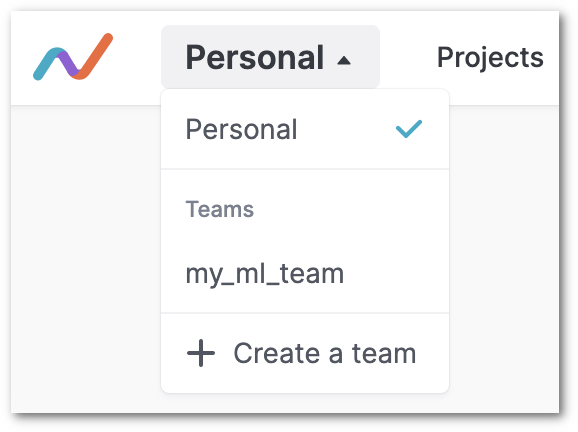
Click on the drop down next to Personal. All the teams that you have created
so far will be listed within Teams in the drop down menu. If you have not
created any team so far, this list will be empty.
To create a new team, click on Create a team.
You will be asked to enter the URL namespace for your team. Enter a unique name.
The URL for your team will be formed using this name.
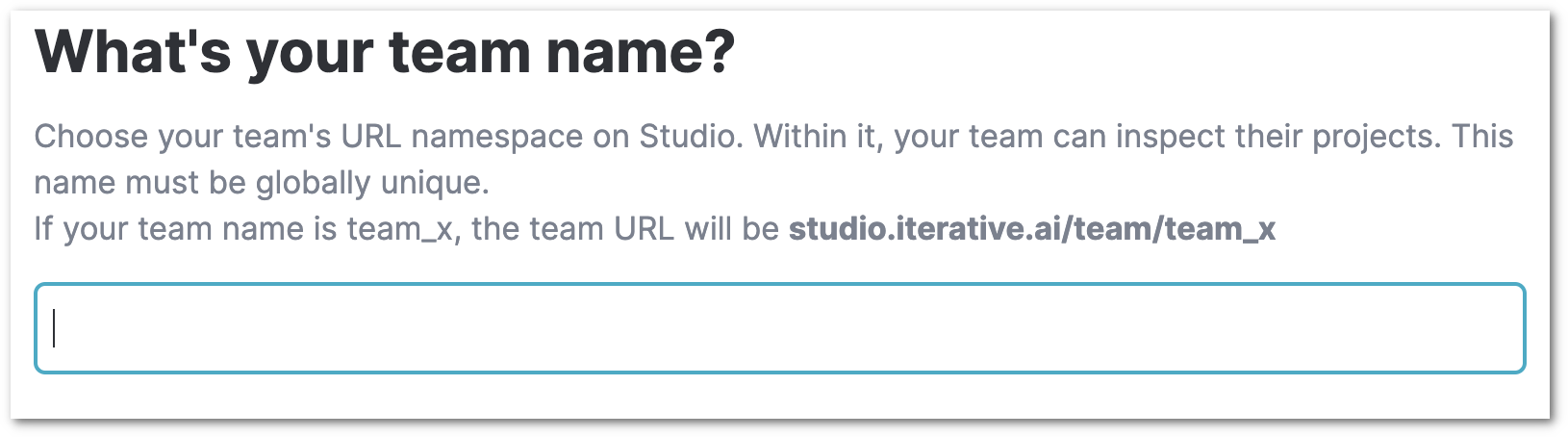
Then, click the Create team button on the top right corner.
Invite collaborators
To add collaborators, enter their email addresses. Each collaborator can be
assigned the Admin, Edit, or View role. An email invite
will be sent to each invitee. Then, click on Send invites and close.
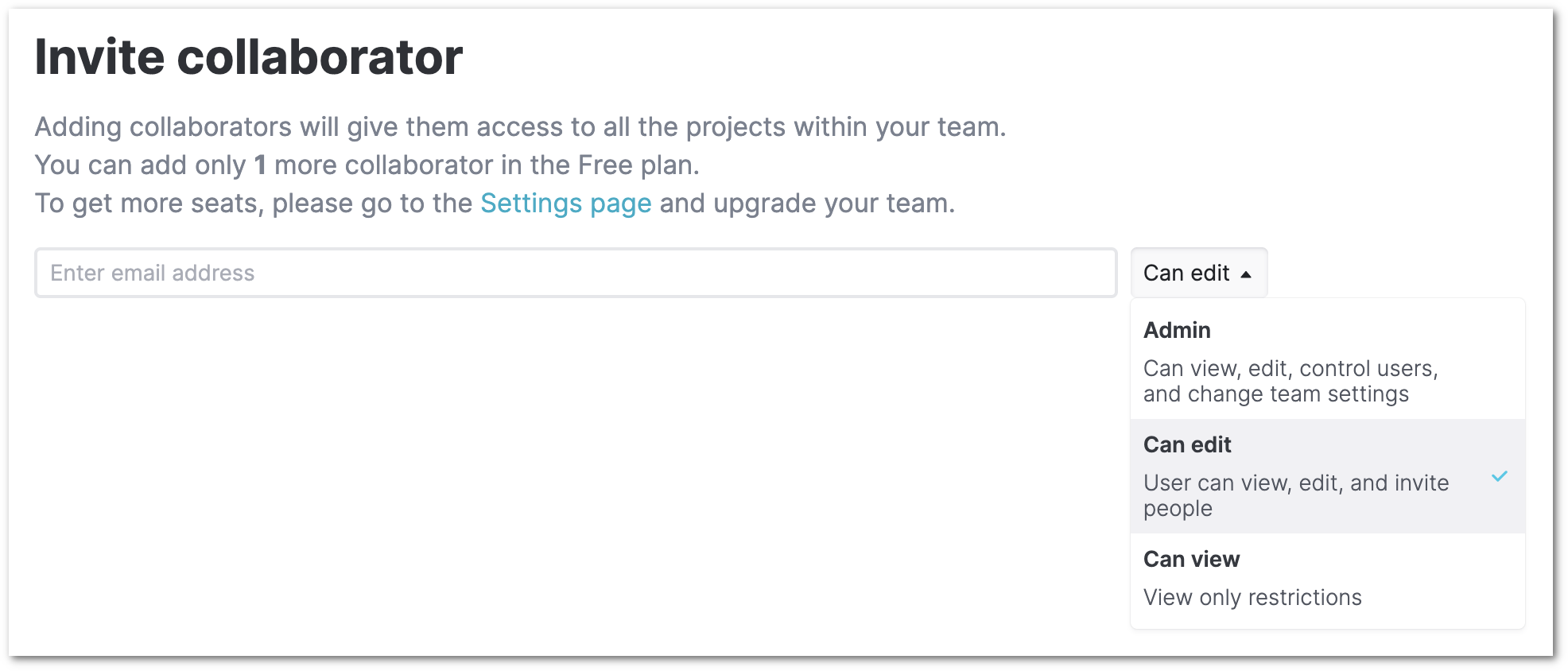
You can also click on Skip and close to skip adding collaborators while
creating the team, and
add them later by accessing team settings.
Manage your team and its resources
Once you have created the team, the team's workspace opens up.
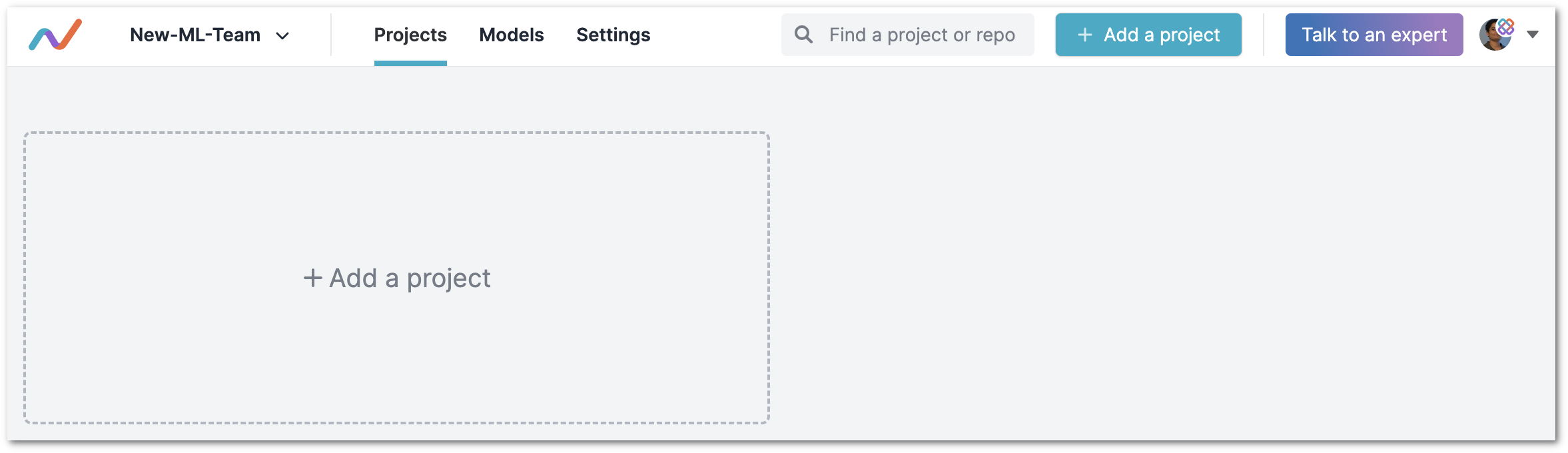
In this workspace, you can manage the team's:
Datasets
The datasets dashboard shows the datasets you can access, admins see all of the
team's datasets, while other members see the ones they've been granted (see
Security & Permissions). Whether you can only explore a
dataset or also edit and delete it depends on whether your grant is read or
write, and on your role, since a Viewer can only ever read.
To create a new dataset, you can upload files, connect to cloud storage, or create datasets from DataChain queries.
Jobs
The jobs dashboard shows the DataChain jobs running on the team's compute clusters. Access follows the team role: Editors can create, run, and cancel jobs, Viewers can view job status and logs, and admins have full control. (Datasets a job reads or writes are still subject to the submitter's grants.)
Projects (Experiments)
This is the projects dashboard for DVC (acquired by lakeFS) experiment tracking. What you can do here follows your team role: Viewers can explore experiments and metrics, Editors can add and edit projects, and admins have full control.
To add a project to this dashboard, click on Add a project. The process for
adding a project is the same as that for adding personal projects
(instructions).
Next Steps
- Learn how groups, rules, and roles control who can reach which datasets
- Configure your team, including collaborators, SSO, and cloud credentials
- Run jobs on your team's compute clusters